
How to build a Shopify dropshipping store: the complete guide
From picking a product to your first order: the 9 steps to launch a Shopify dropshipping store in 2026, with real costs and the mistakes to avoid.
By the ThemeDrop team12 min read
Key takeaways
- A dropshipping store that works relies on one good product and a polished product page, not on a 200-item catalog.
- Shopify costs €36/month in France (Basic plan, or €27/month billed yearly), with a starter offer of €1/month for 3 months.
- Before launching: store policies filled in, a test order, and a check on mobile.
- Allow a few hours to set everything up, and a few weeks of testing to find the right product.
Contents
- 1. Pick a product that can sell
- 2. Create your Shopify account
- 3. Give the store a real identity
- 4. Build the store and the product page
- 5. Import the theme and the product into Shopify
- 6. Payments, policies and shipping
- 7. Automate orders with DSers
- 8. Buy a domain name
- 9. Test, then launch
- The pre-launch checklist
- Frequently asked questions
Dropshipping means selling products you don't keep in stock: when a customer orders from your store, you place the order with your supplier (often on AliExpress), who ships it straight to them. You don't pay for inventory upfront, but you remain responsible for everything the customer experiences: the store, the price, delivery times and after-sales service.
This guide follows the order we recommend working in. It gives real figures (checked on November 5, 2026 on official pages, for a store based in France) and flags the mistakes that cost beginners the most.
1. Pick a product that can sell
This step decides everything. A beautiful store won't save a product nobody wants, while a good product sells even with a simple store. A good dropshipping product ticks most of these boxes:
- It solves a problem or catches the eye instantly: you get it within 3 seconds of video.
- It sells between €20 and €60: expensive enough to leave a margin, cheap enough for an impulse buy.
- You can sell it for at least 3 times its cost (shipping included), to pay for ads and keep a margin.
- It isn't available as-is in big stores, or customers will compare and buy elsewhere.
- It ships well: light, not fragile, no sizes to choose (sizes multiply returns).
- The supplier is reliable: many orders, good ratings, real customer photos.
2. Create your Shopify account
Shopify is the simplest option for a dropshipping store: payments, hosting, security and orders are handled for you. As of November 5, 2026, Shopify's French site shows a 3-day free trial, then €1/month for 3 months on its plans.
| Plan | Billed monthly | Billed yearly | Card fees (Shopify Payments) |
|---|---|---|---|
| Basic | €36/month | €27/month | 1.5% + €0.25 |
| Grow | €105/month | €79/month | 1.3% + €0.25 |
| Advanced | €384/month | €289/month | 1.1% + €0.25 |
To start, the Basic plan is more than enough. Higher plans lower payment fees slightly and add team tools: they become worthwhile once the store already makes several thousand euros a month.
During sign-up, Shopify asks a few questions (what you sell, where you are). Your answers don't commit you to anything, and you can change everything later.
3. Give the store a real identity
A dropshipping store that works doesn't look like a dropshipping store. Visitors should feel they're buying from a brand, not an anonymous reseller. Three things make the difference:
- A short, memorable name, tied to the product or its benefit (avoid generic names like "Best Shop 24").
- A simple logo and 1 or 2 colors used everywhere: buttons, banners, boxes.
- Copy about the customer, not the product: "No more muddy paws on the couch" sells better than "Silicone paw cleaner".
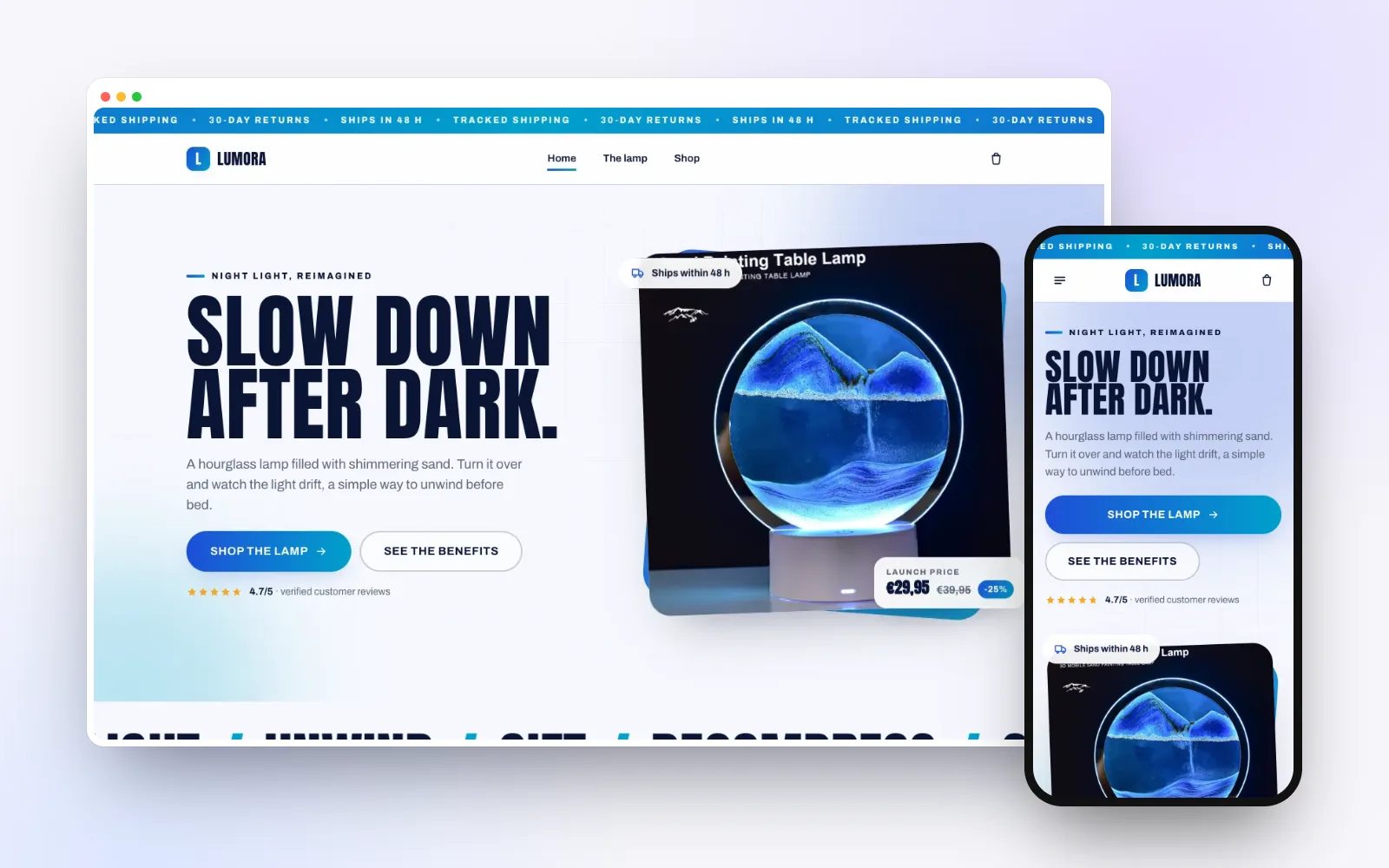
4. Build the store and the product page
On a one-product store, two pages make nearly all the sales: the home page, which creates desire, and the product page, which convinces. They must answer every customer question before it's asked.
The minimum for a product page that converts:
- a headline that states the benefit, and 5 to 8 photos (at least one in use);
- a clear price and a visible "Add to cart" button, on mobile too;
- concrete benefits, delivery times and return terms;
- real customer reviews and an FAQ that removes doubts.
We cover each of these elements, with examples, in our article on the product page that sells.
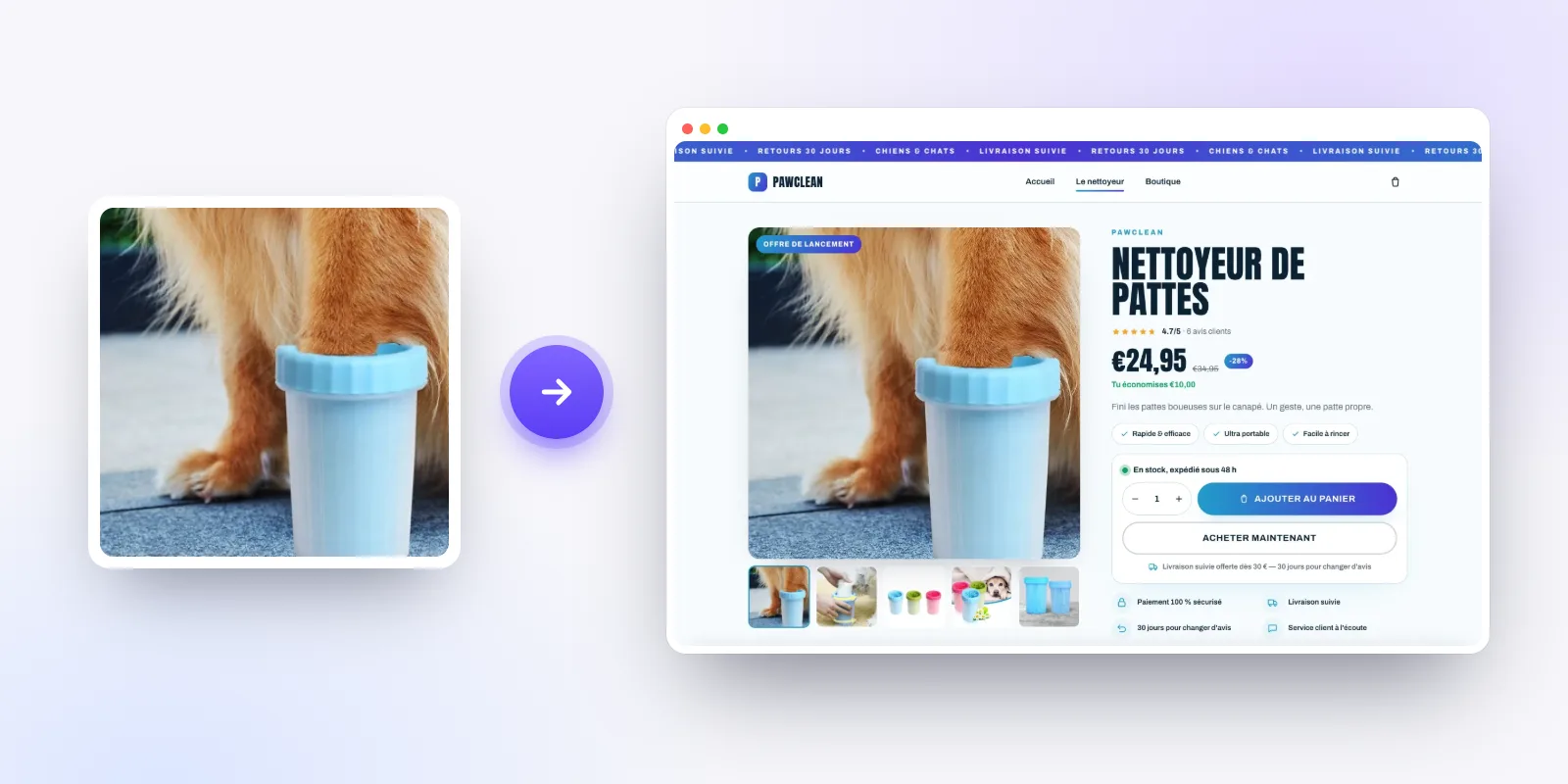
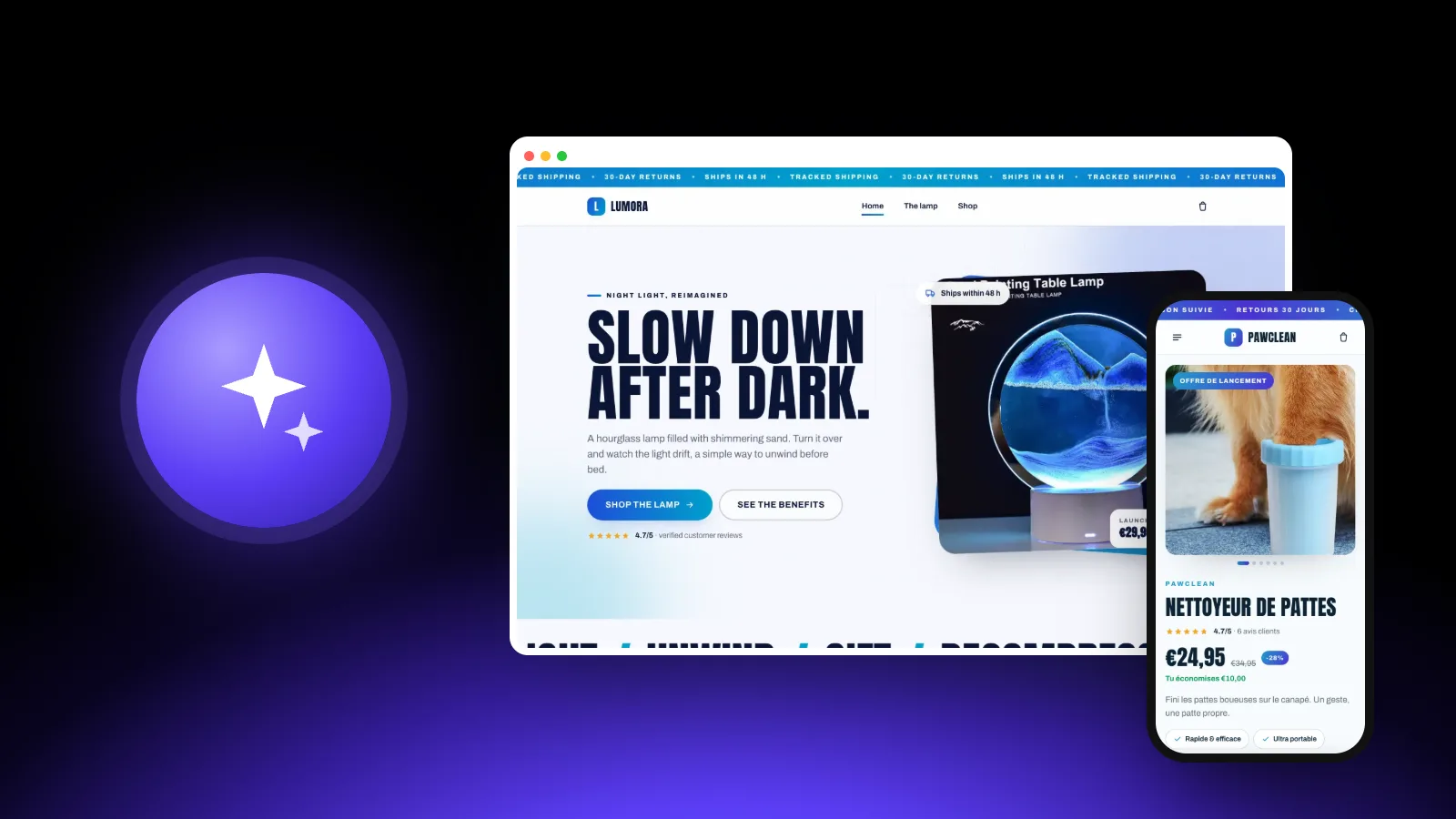
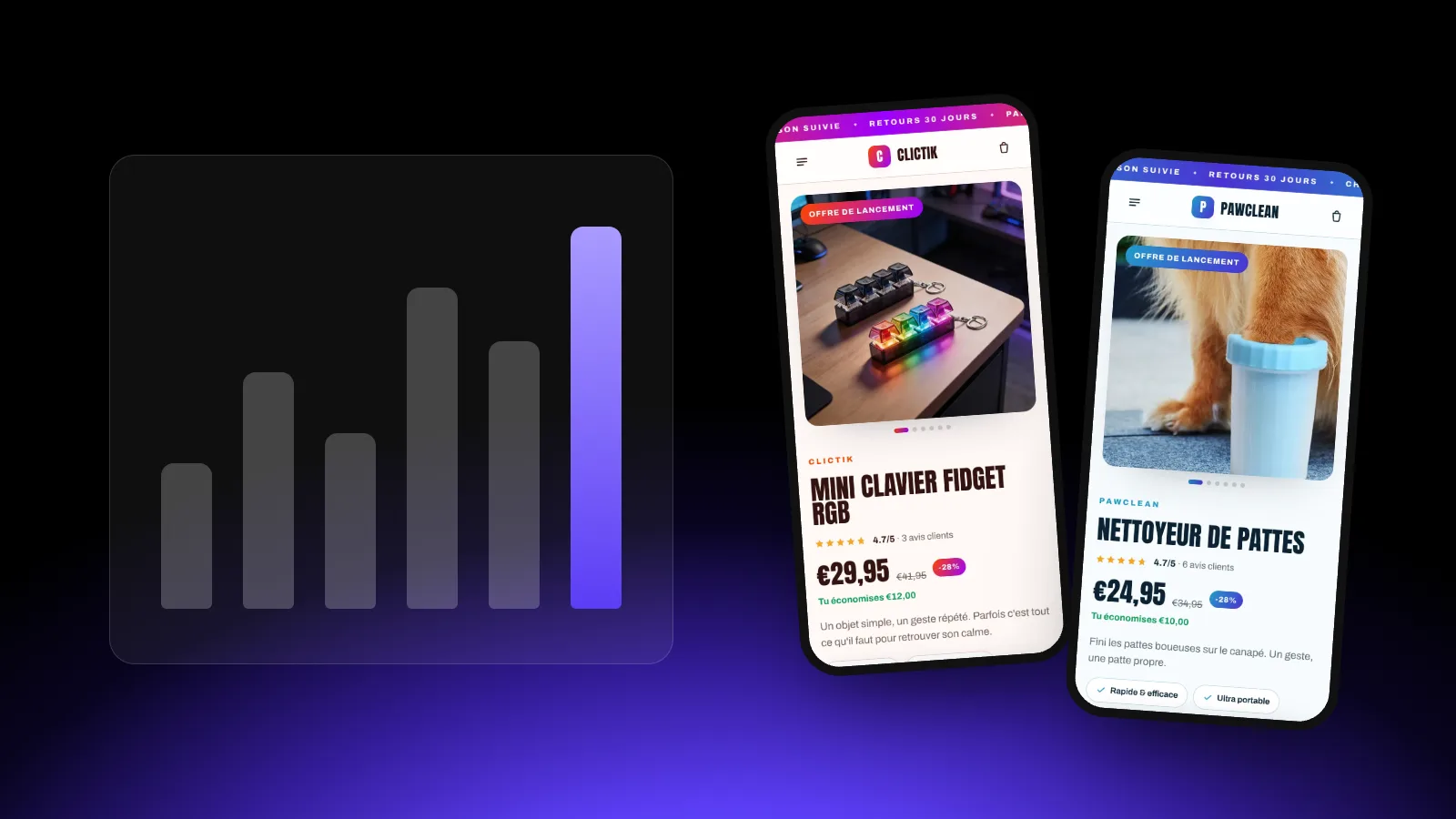
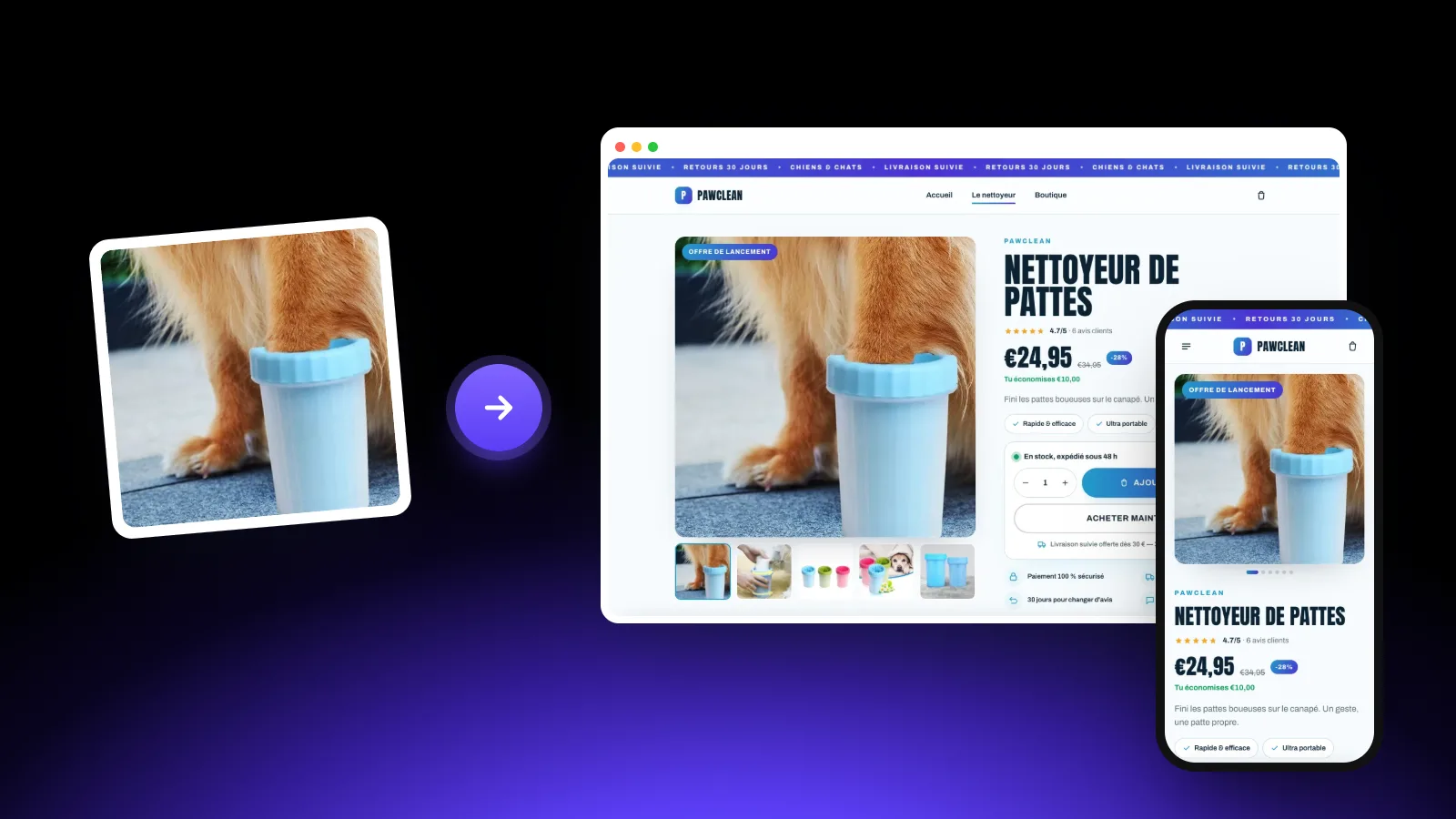
You can build everything by hand in Shopify's theme editor (allow one or two days for a good result), or start from a generated store. With the ThemeDrop store generator, you paste the AliExpress product link and get the full theme and product page in under a minute, ready to import. You keep full control to edit everything afterwards.
Your first store is free
Paste an AliExpress link and see the generated store, no credit card needed.
5. Import the theme and the product into Shopify
If you start from a ready-made theme (.zip file) and a product file (CSV), importing takes five minutes:
- Product first: in the Shopify admin, go to Products → Import, choose the CSV file, then Upload and continue and Import products. The file can't exceed 15 MB.
- Then the theme: Online Store → Themes → Add theme → Upload zip file, then choose the .zip file.
- Check the preview with the "Customize" button, on the home page and the product page.
- Publish the theme once everything looks right.
6. Payments, policies and shipping
This is the step beginners rush, and the one that makes customers leave at the last moment.
Payments
Turn on Shopify Payments in Settings → Payments: it's the simplest and cheapest option (1.5% + €0.25 per card payment on the Basic plan in France). With another payment provider, Shopify adds transaction fees (2% on the Basic plan). Add PayPal too, which many shoppers prefer for a first purchase.
Store policies
In Settings → Policies, fill in the refund, privacy and shipping policies and the terms of service. Shopify can generate them automatically from your store settings: read them over and adapt them, they aren't legal advice.
If you sell in the EU, remember that customers have 14 days to withdraw after receiving their order, and that the store must show legal information (who you are, how to reach you). To sell on a regular basis, you also need a business status in your country.
Shipping
In Settings → Shipping and delivery, create at least one rate for your main country. Free shipping (built into the product price) reassures and converts better than paid shipping added at checkout. Announce honest delivery times, and prefer suppliers who ship from a warehouse close to your customers.
7. Automate orders with DSers
Without a tool, you'd copy each order to AliExpress by hand. DSers connects your Shopify store to AliExpress: in a few clicks, orders are placed with the supplier and tracking numbers flow back into Shopify. Its free plan covers up to 3 stores and 3,000 products, plenty to start with.
Our DSers guide walks through the setup step by step.
8. Buy a domain name
An address like "yourbrand.com" inspires far more trust than the default ".myshopify.com" one. Shopify sells domains from $9 a year (the price depends on the extension, and renewal can cost more). You can also buy it from another registrar and connect it to Shopify.
9. Test, then launch
Before spending a single euro on ads, go through the store like a customer:
- Place a test order all the way through to check payment, the confirmation email and the order in DSers.
- Browse the store on your phone: most visitors coming from social media are on mobile.
- Click every link in the menu and footer.
- Proofread the copy, compare-at prices and delivery times: everything must be accurate.
For your first sales, short video (TikTok, Reels) is still the cheapest way to test a product: show it in action, no pitch. If a video takes off, you'll know people like the product before paying for ads. Then plan a test ad budget, which we break down in how much a dropshipping store costs.
The pre-launch checklist
| Step | Done when… |
|---|---|
| Product | it ticks the criteria and the supplier is reliable |
| Store | home and product page complete, tested on mobile |
| Payments | Shopify Payments and PayPal turned on |
| Policies | all 4 policies filled in and the links work |
| Shipping | a rate created, honest delivery times shown |
| Orders | DSers connected, test order placed |
| Domain | your .com address is connected |
Frequently asked questions
How long does it take to build a dropshipping store?
Allow a day to set everything up if you build the store yourself, and about an hour if you start from a generated store. Finding the right product takes longest: plan a few weeks of testing.
Do I need a company to do dropshipping?
To sell on a regular basis, yes, in most countries. In France, the micro-entreprise is the simplest status to create, online and for free. Check the revenue and VAT thresholds that apply to you.
How many products should my store have?
Just one to start. A store built around one product is more convincing and easier to test. Add complementary products once the first one sells.
Is dropshipping still profitable in 2026?
Yes, if the product is well chosen and the store inspires trust. What no longer works is generic stores with vague delivery times. Work out your margin before launching: our budget article walks through a full example.
Ready to launch your store?
Paste an AliExpress link: your Shopify store is ready in under 30 seconds. The first one is free.