
How to build a Shopify store and theme with AI
Sidekick, AI assistants, store generators: what AI can really do for your Shopify store and theme in 2026, and how to use it step by step.
By the ThemeDrop team9 min read
Key takeaways
- AI can already write the copy, retouch photos and generate a complete Shopify theme. It won't pick your product for you.
- Shopify has its own assistant, Sidekick, included in its plans; features vary by plan.
- Store generators start from a product link and deliver the theme and product page ready to import.
- Whatever the tool: proofread everything, check every claim and never make up reviews.
Contents
- What AI does well (and what it doesn't)
- 1. Shopify's built-in AI: Sidekick
- 2. General AI assistants (ChatGPT, Claude…)
- 3. AI Shopify store generators
- The three approaches at a glance
- What is an AI-made Shopify theme?
- Build your Shopify store with AI, step by step
- Limits to keep in mind
- Frequently asked questions
A few years ago, building a Shopify store meant picking a theme, writing every line and spending hours in the editor. In 2026, artificial intelligence can do a large part of this work: write the product page, choose consistent colors, and even generate a complete Shopify theme from a single product link.
But not every solution does the same thing. Here is what AI really does for a Shopify store, the three main ways to use it, and a step-by-step method.
What AI does well (and what it doesn't)
| Task | AI today |
|---|---|
| Write the product page, FAQ and selling points | Very well, as long as you proofread |
| Pick consistent colors and layout | Well, especially from the product photos |
| Generate a complete Shopify theme | Yes, with a store generator |
| Retouch or cut out photos | Well for simple visuals |
| Pick a product that will sell | No: that's up to you to test |
| Replace customer service and logistics | No |
In other words, AI saves you days on building the store. Choosing the product, testing and customer relations remain your job.
1. Shopify's built-in AI: Sidekick
Shopify has its own AI assistant, Sidekick. According to Shopify, it's included with your plan, with features and limits that vary by plan, and it adapts to your store's language. Among other things, it can:
- write product descriptions, pages and blog posts;
- retouch photos (backgrounds, cut-outs, image generation);
- create collections, discount codes or email campaigns;
- generate a custom theme block in the theme editor (not on the Starter plan, per Shopify's help center).
Shopify also lets you generate a free personalized theme by describing your business. According to its help center, this is done from the Shopify mobile app (no longer from the desktop admin), up to 3 themes, with conditions noted for English storefronts.
2. General AI assistants (ChatGPT, Claude…)
An assistant like ChatGPT or Claude can write an excellent product page if you give it the right information: the product, your customer, the tone, what not to promise. It's flexible and cheap.
The limit: it gives you text, not a store. You then have to paste each piece in the right place, pick the theme sections, set the colors, create the product and its variants. Allow several hours for a polished store.
3. AI Shopify store generators
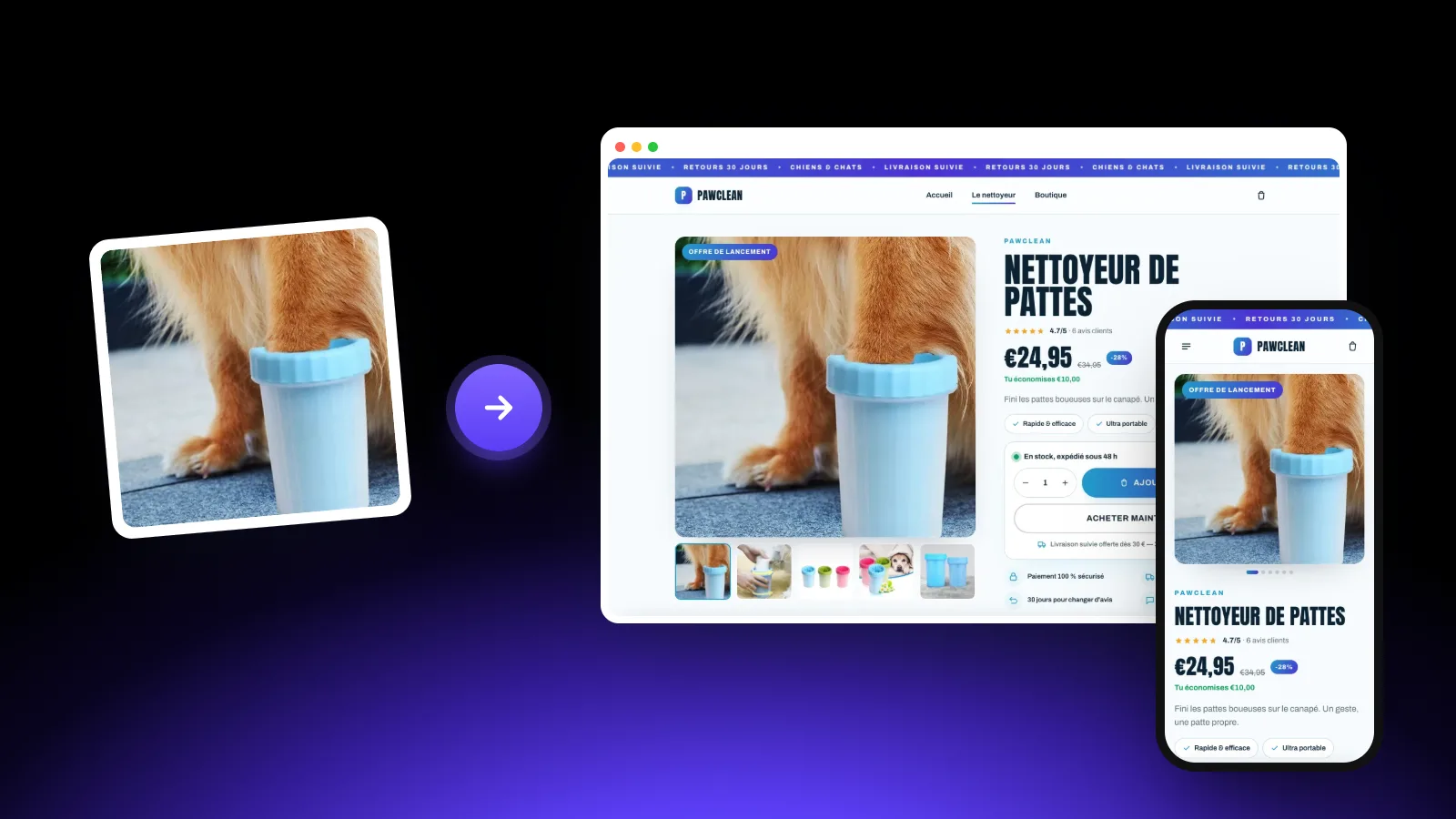
This is the fastest approach: you give a product link, the tool writes the copy, picks the colors and delivers a Shopify theme and product page ready to import. Several tools exist, with different approaches and prices; we compare them honestly in ThemeDrop, Dropmagic or Copyfy.
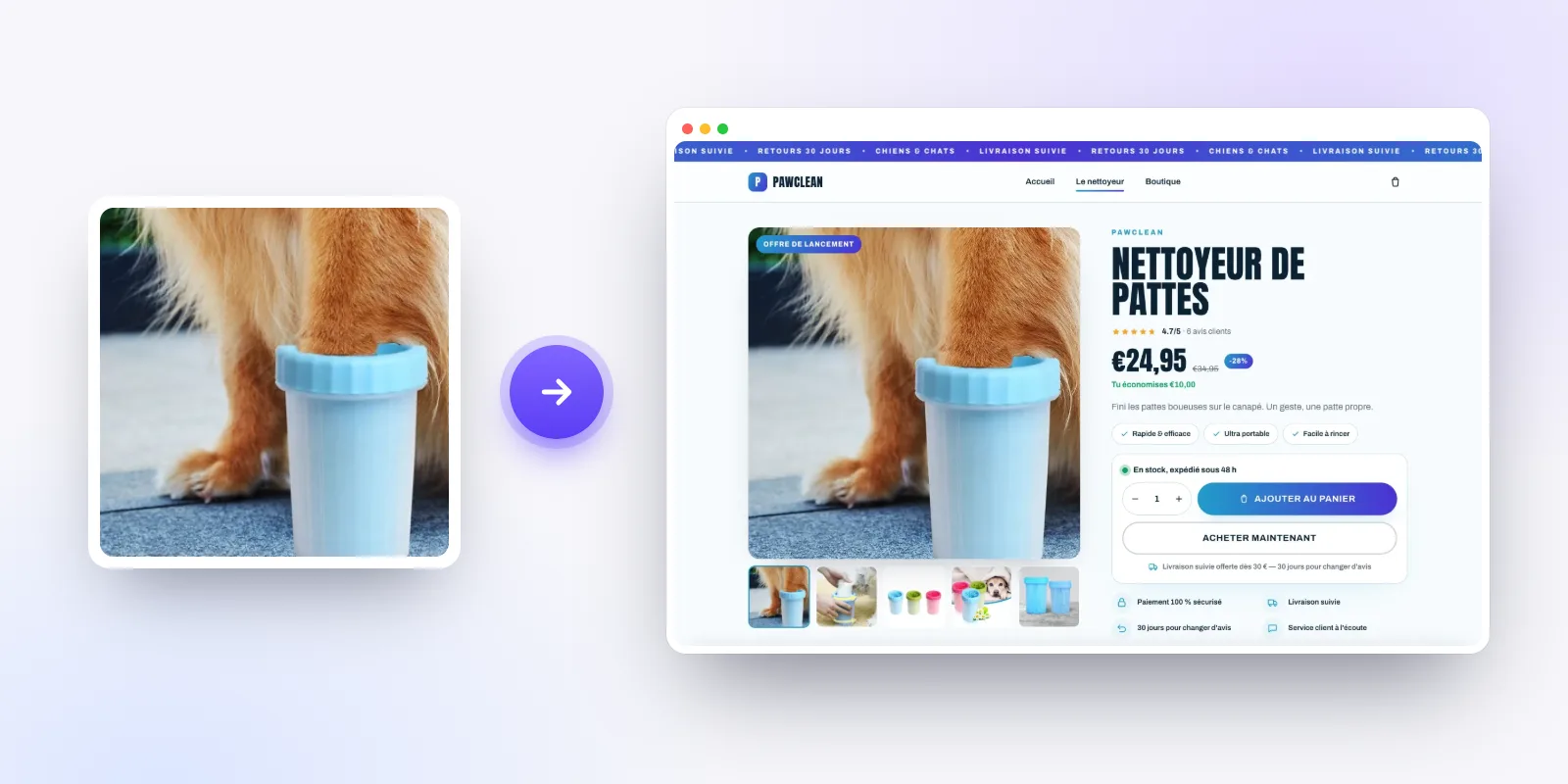
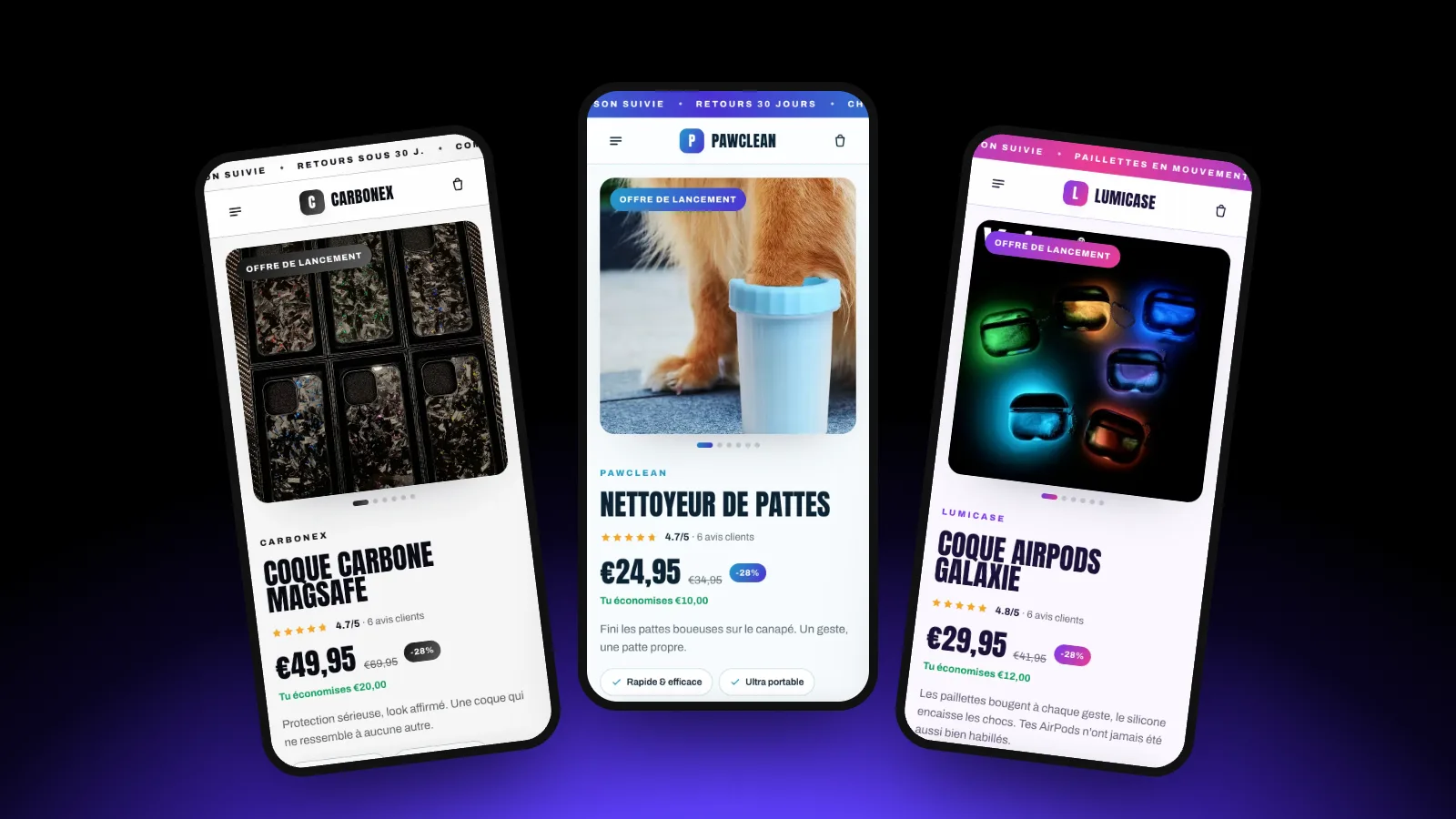
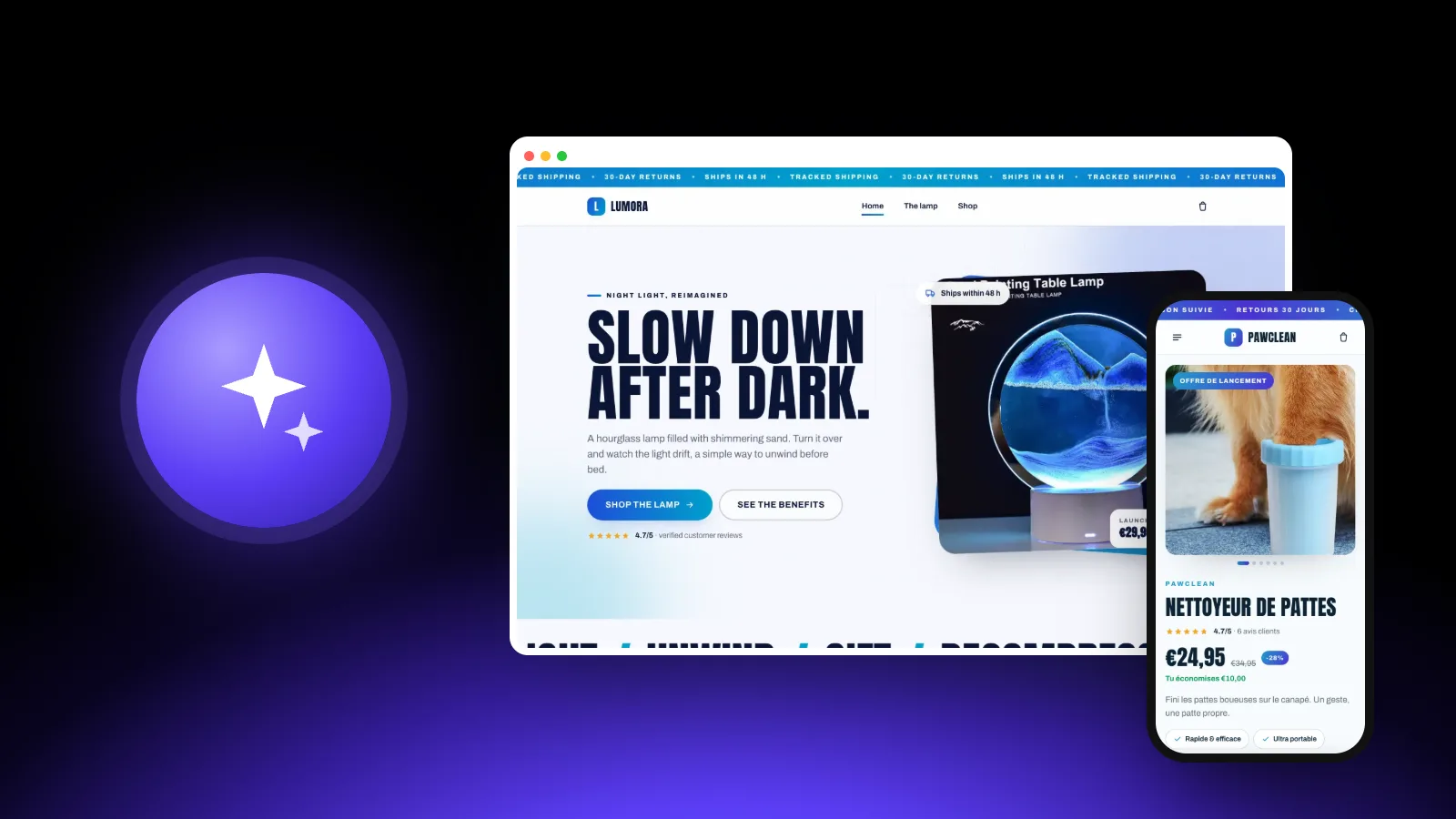
With the ThemeDrop store generator, AI produces a complete store in under 30 seconds: home page, product page, cart, reviews, FAQ, and colors taken from the product photos. You see a preview identical to what your customers will see on Shopify, then import the theme (.zip) and the product file (.csv).
The three approaches at a glance
| Sidekick (Shopify) | General AI assistant | Store generator | |
|---|---|---|---|
| Starting point | Your existing store | What you describe | The product link |
| Output | Copy, images, theme blocks | Text to paste | Complete theme + product page |
| Time for one store | Several hours | Several hours | A few minutes |
| Cost | Included in your Shopify plan | Free or subscription | Depends on the tool (first store free at ThemeDrop) |
These approaches combine well: generate the store with a generator, then use Sidekick or an assistant to refine a piece of copy or an image.
What is an AI-made Shopify theme?
An AI Shopify theme is a regular Shopify theme (a .zip file containing the layout, styles and sections) whose content and design were prepared by AI. Once imported under Online Store → Themes, it behaves like any theme: you edit it in the Shopify editor, with no code.
- A real theme, not a frozen page: every section can be edited, moved or hidden.
- Tailored to the product: copy, reviews, FAQ and colors are specific to your product, not a generic template.
- Built to sell: product page with a visible button, reassurance, offers and a polished mobile version.
Build your Shopify store with AI, step by step
- Pick the product: one that solves a problem and sells for 3 times its cost. Our selection of trending products can help.
- Create your Shopify account and start on the Basic plan.
- Generate the store: paste the product's AliExpress link into ThemeDrop, then check the preview.
- Import the product file (Products → Import), then the theme (Online Store → Themes → Add theme → Upload zip file).
- Proofread and customize: prices, delivery times, store policies, logo. Use Sidekick or an AI assistant to refine copy if needed.
- Test an order and the mobile version, then publish.
Each step (payments, policies, DSers, domain name) is detailed in our complete guide to building a Shopify dropshipping store.
Generate your Shopify store with AI
Paste an AliExpress link: theme and product page ready in 30 seconds. Your first store is free.
Limits to keep in mind
- AI can be wrong: check specs, delivery times and claims before publishing.
- Reviews must be real: never use AI to make up customer reviews, it's illegal.
- Photos: make sure you're allowed to use the supplier's, and add your own.
- The product is still key: a perfect store won't sell a product nobody wants.
Frequently asked questions
Can you build a Shopify store entirely with AI?
The building part, yes: a store generator creates the theme, copy and product page in minutes. Choosing the product, payment and shipping settings, store policies and proofreading are still up to you.
Is Shopify's AI free?
According to Shopify, Sidekick is included with your Shopify plan, with features and usage limits that vary by plan.
What is an AI-generated Shopify theme?
It's a standard Shopify theme (.zip) whose copy, colors and layout were prepared by AI for your product. You import and edit it like any other theme.
Does an AI-built store rank well on Google?
It starts on a good footing if the copy is unique and truly describes the product. Add your own domain, your own photos and a blog to go further.
Ready to launch your store?
Paste an AliExpress link: your Shopify store is ready in under 30 seconds. The first one is free.