
Store generator 1 free store
Your Shopify store, built from one link.
Paste the link of an AliExpress product. The AI writes the sales copy, picks colors from the photos and lays out the whole store. You import it into Shopify with two files.
- Ready in under 30 seconds
- In English or French
- No credit card needed
How it works
Paste the link
From AliExpress, on desktop or in the app: short links work too.
Let the AI work
Copy, prices, customer reviews, FAQ and colors: everything is prepared for this product.
Import into Shopify
Download the theme (.zip) and the product file (.csv), then import them into your store.
What you get
A complete store
Home page, product page, cart, FAQ and customer reviews, already linked together.
Copy that sells
A title, selling points and a description written for your customer, not copied from AliExpress.
A style of its own
Colors come from the product photos, so every store has its own identity.
The exact preview
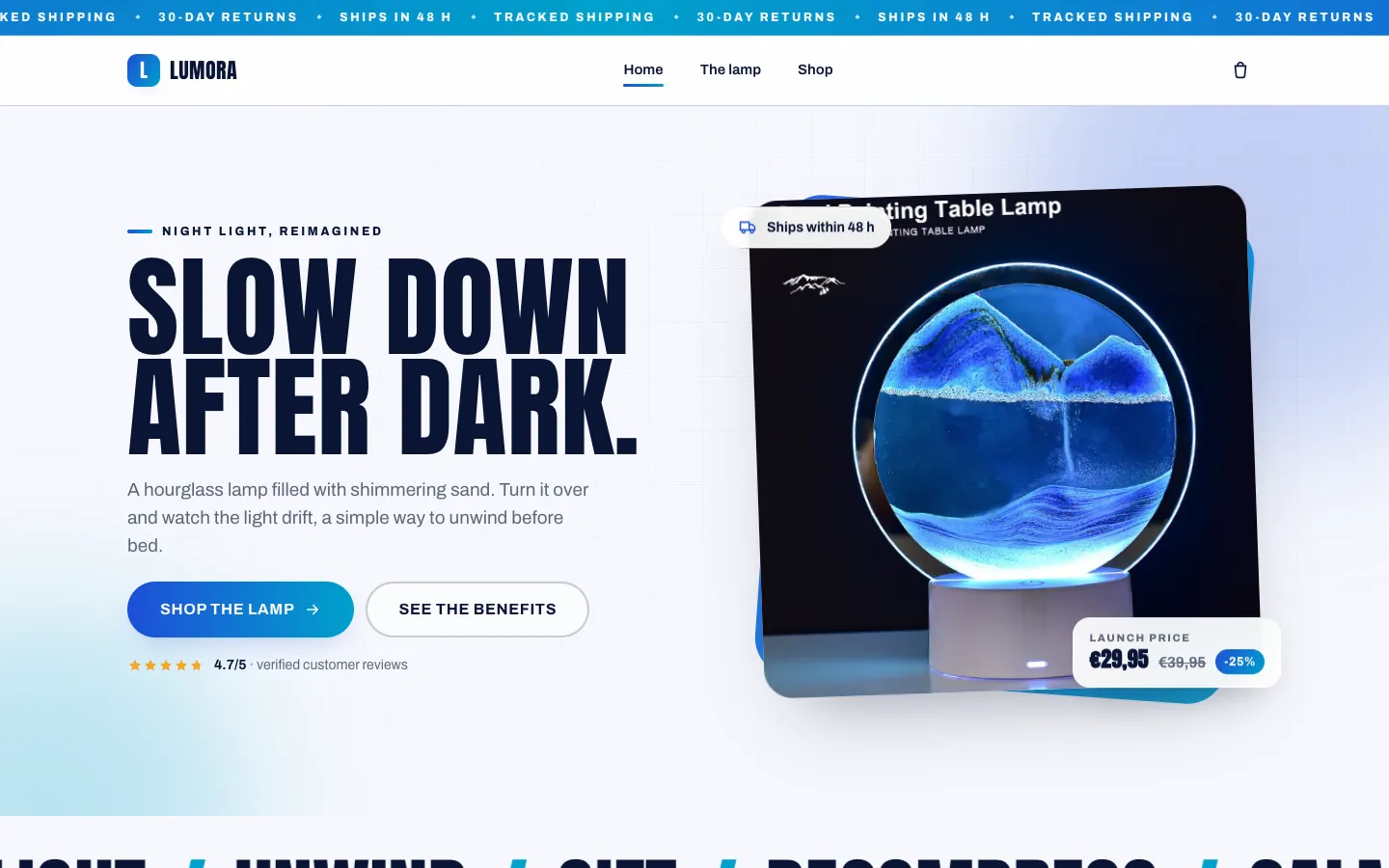
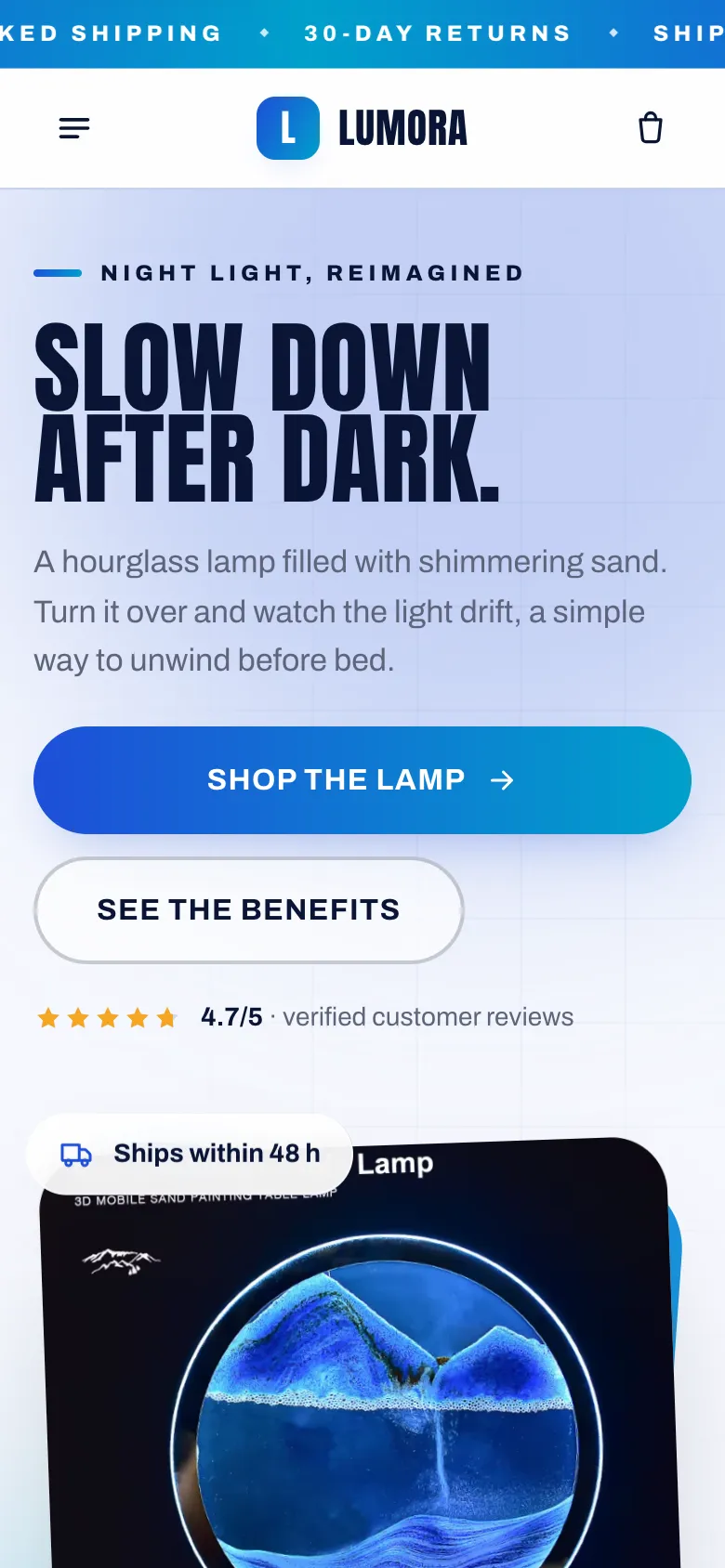
What you see in ThemeDrop is what your customers will see on Shopify.
More ThemeDrop tools
- Pro GeneratorOur most advanced AI, tuned to your customersDiscover
- LaunchKitFrom picking a product to marketing, step by stepDiscover
- AI OptimizerTitle, description and social scripts in one clickDiscover
- Trending productsA selection of AliExpress products that sellDiscover
- Winning brandsGrowing e-commerce brands, with the numbersDiscover
Frequently asked questions
What is an AI Shopify store generator?
It's a tool that builds your store for you. With ThemeDrop, you paste an AliExpress product link: the AI writes the sales copy, picks colors from the photos and assembles a complete Shopify theme (home, product page, cart, reviews, FAQ), ready to import.
Is the AI-made Shopify theme a real theme?
Yes. You download a standard Shopify theme (.zip) and import it under Online Store › Themes, like a purchased theme. You then edit it in the Shopify editor, with no code.
How much does a store cost?
1 credit per store, and your first one is free when you sign up. Downloading the theme is included from the Starter plan; without a subscription, it costs 1 credit.
Do I need to know how to code?
No. You import the theme into Shopify (Online Store › Themes), then the product file (Products › Import), and you're live.
Can I edit the store afterwards?
Yes. It's a regular Shopify theme: change the copy, images and colors in the Shopify editor, like any other theme.
Your next store starts with a link
Create your free account: your first store is on us, no credit card needed.